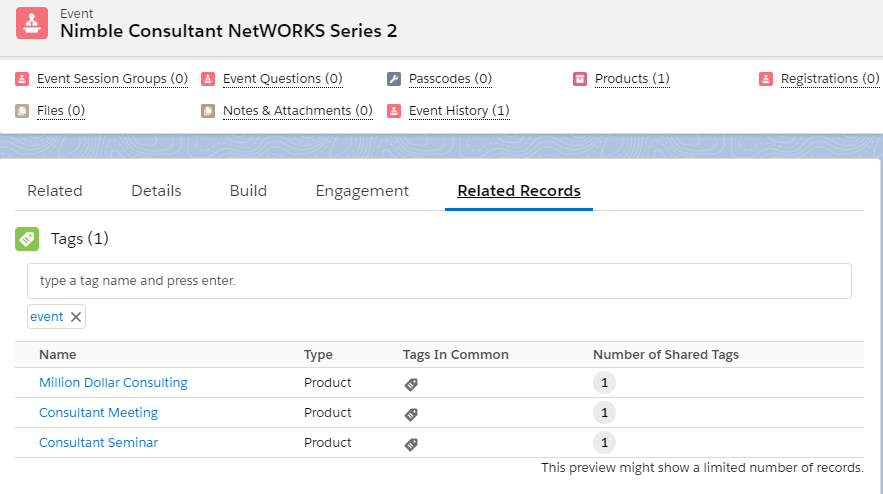
Staff can create customizable tags on an event to display the related events on the lightning carousel of the Community Hub.
-
From an event, in the tab bar, click Related Records.
-
In Tags of the Related Records, enter the customizable tags that you wish to assign for a product.
Keep in mind:
-
Tags are customizable and will be displayed in lower case.
-
Tags can be alpha-numeric. Special characters are also allowed. For example: annualevent1, fundr@iseevent!
-
Duplicate tags cannot be entered on the same record.
-
When a Staff user enters a tag, all related products and accounts linked with the same tag will be displayed.