
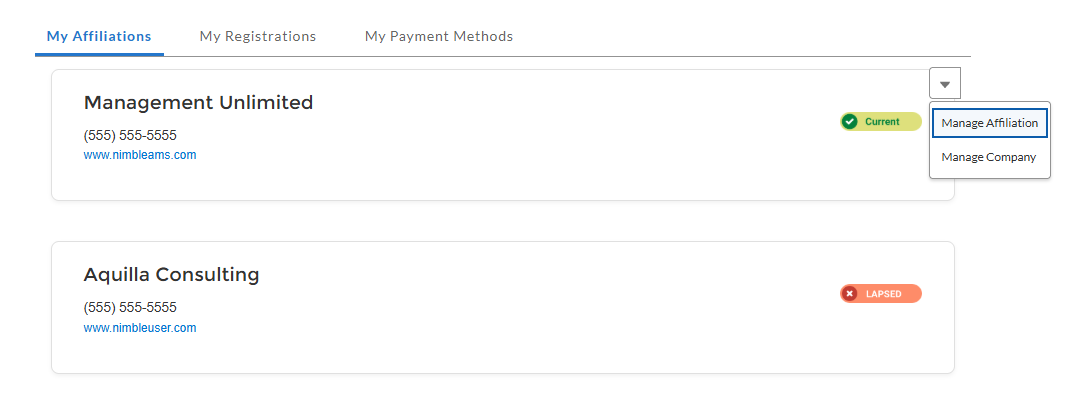
Individuals can quickly view and manage their affiliations in Member Portal. Individuals can remove a company affiliation, change their primary affiliation, or add a new one so they can connect themselves with companies and receive membership benefits and address information from their primarily affiliated company.
When adding a new affiliation on the Add Affiliation page, individuals can search for and affiliate themselves with their company or add a new one on the Create New Company page. When an individual adds a new company, they are made the manager of that company.
Benefits
-
Enhanced User Experience: An intuitive and modern design will give your constituents an amazing experience.
-
Salesforce Member Portal Platform: Apart from ensuring advanced security features and seamless system performance, Member Portal maximizes flexibility and customization by enabling easy-to-use, drag-and-drop components through Experience Builder to be used on the lightning pages. The components created are also device-responsive in nature.
Get Started Today
Reach out to your Customer Success Manager representative to get started!